Settings, one by one
What each page in Palpable's Settings does, from Abilities and Memory to Wi-Fi, Plan & billing and Privacy.
Open Settings from the account button at the top of the screen. On a phone, it's in the menu.
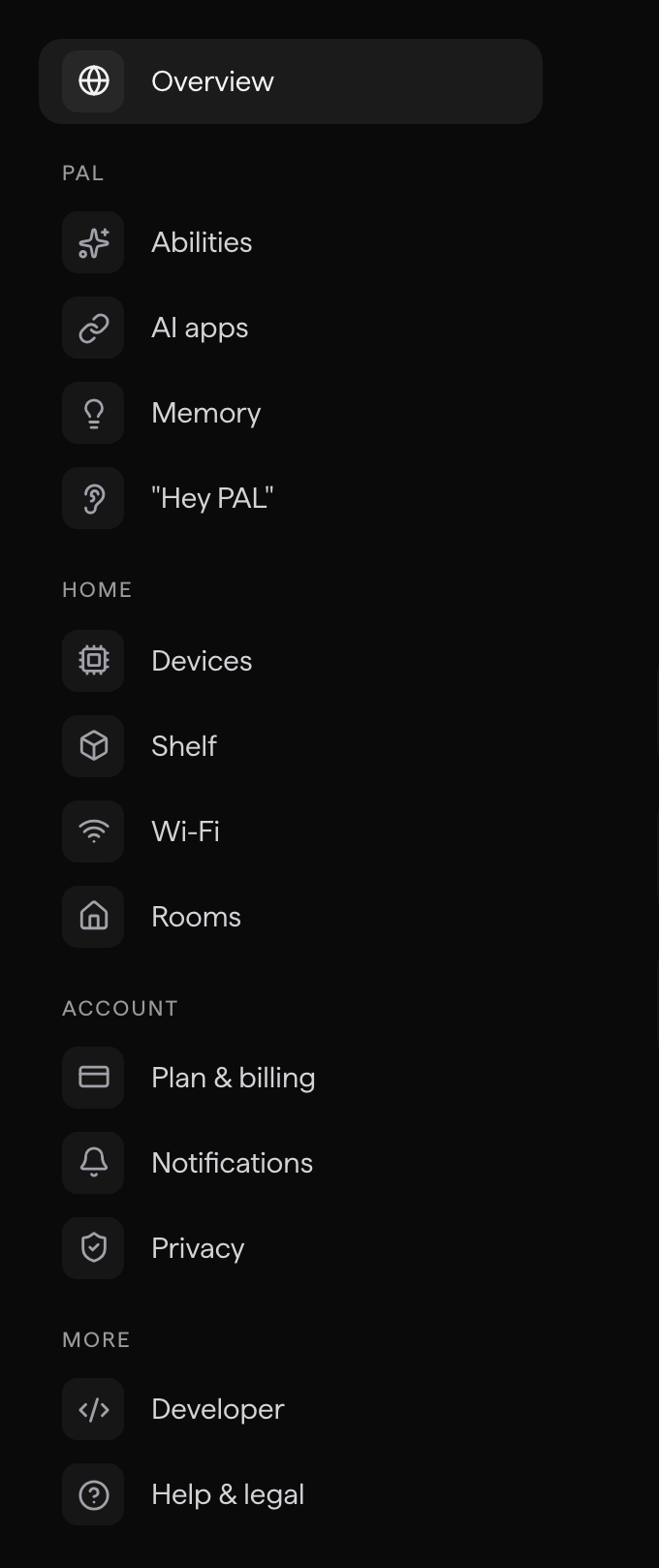
PAL
Abilities
"New senses and skills for PAL, and the services it can use for you." Turn on Add-ons, and connect services under Connectors, such as Google Calendar. The list under Built in · always available needs no setup.
AI apps
"Let Claude, ChatGPT, Cursor and other AI apps use Palpable for you." See AI apps.
Memory
"What PAL remembers about you, and the say in what it keeps." Memory is off until you turn on PAL's memory. You can remove single memories, Export My Data, or Clear All Memory.
"Hey PAL"
"Talk to PAL hands-free. While this is on, the microphone stays on in this browser." Turn on Listen for "Hey PAL". It works in Chrome or Edge on a computer.
If it can't listen, the page shows a warning that says why:
- "Hey PAL" does not work in this browser: open Palpable in Chrome or Edge on a computer.
- "Hey PAL" cannot hear you: allow the microphone for this site in your browser, then turn the switch on again.
Home
Devices
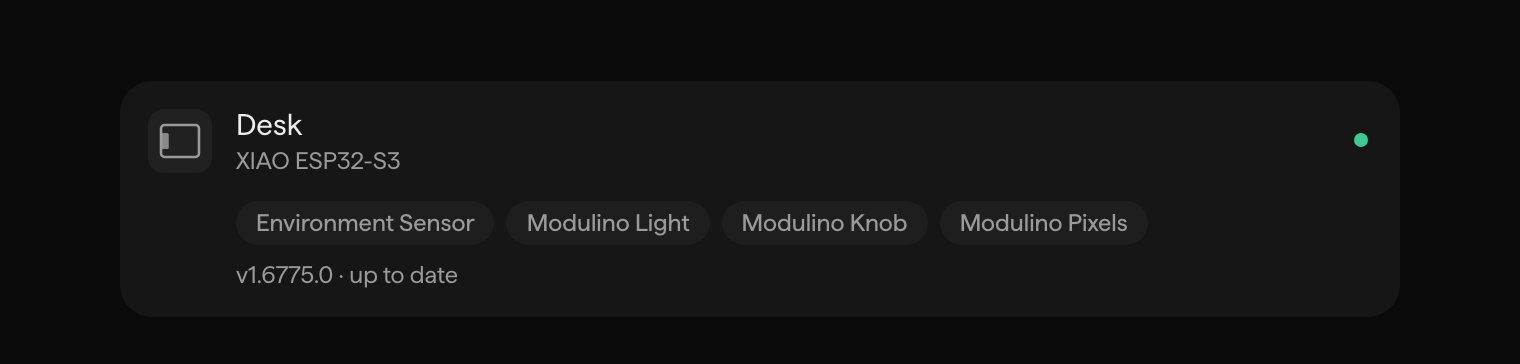
"The boards your AI lives on, and the software they run." Each board, its health and its software are here. Press Add a device to set up a new board.
Shelf
"The parts and boards you have. Keep it true, and Palpable builds from what is really on your desk."
Wi-Fi
"Save your home networks once, and new devices join them on their own." Press Add a network to save one.
Rooms
"Drag devices into rooms. Use Identify to find the right light." This is for smart home lights.
Account
Plan & billing
"Your plan, add-ons and billing." Your credit balance is here too. See Plans and credits.
Notifications
"Choose which updates reach you, and where." Turn Email or Push on or off, then choose under What you get.
Privacy
"What this browser shares with us." Turn Analytics cookies on or off.
More
Developer
"Reach your projects from your own code and tools." Here are API keys, Webhooks, and OpenClaw for terminal agents. Keys for a single project are in that project's Manage API.
Help & legal
"Get help, and the terms you use Palpable under." Report a bug in Help & Feedback, or talk to other people in Discord Community. The Terms of Service and Privacy Policy are here too.