Build your first device
From nothing to a working device in four steps. You need a board, a computer with Chrome or Edge, and your Wi-Fi password.
What you need
- A board: a Raspberry Pi, an Arduino UNO Q or an ESP32 board.
- A computer with Chrome or Edge. Setup runs in the browser, so a phone can't do this part.
- Your Wi-Fi name and password.
- Parts to plug in, if you have them. You can add them later.
The four steps
Make an account
Go to app.palpable.technology and sign up. It's free, and there is no card to enter. Confirm your email, then sign in.
Set up your board
Press Set up your first board at the bottom of the screen. Later you'll find the same thing under Settings → Devices → Add a device.
Choose your board, then your Wi-Fi network. If your network isn't listed, choose Add network, type its name, password and country, and press Save & Select.
What happens next depends on the board:
- Raspberry Pi: you copy a few files to a microSD card, put it in the Pi and plug in power.
- Arduino UNO Q and ESP32: you plug the board into your computer with a USB cable, and the app installs Palpable from the browser.
The app then shows Waiting for your board, with a timer. Setup takes 5 to 20 minutes. Leave the board powered on.
Plug in parts
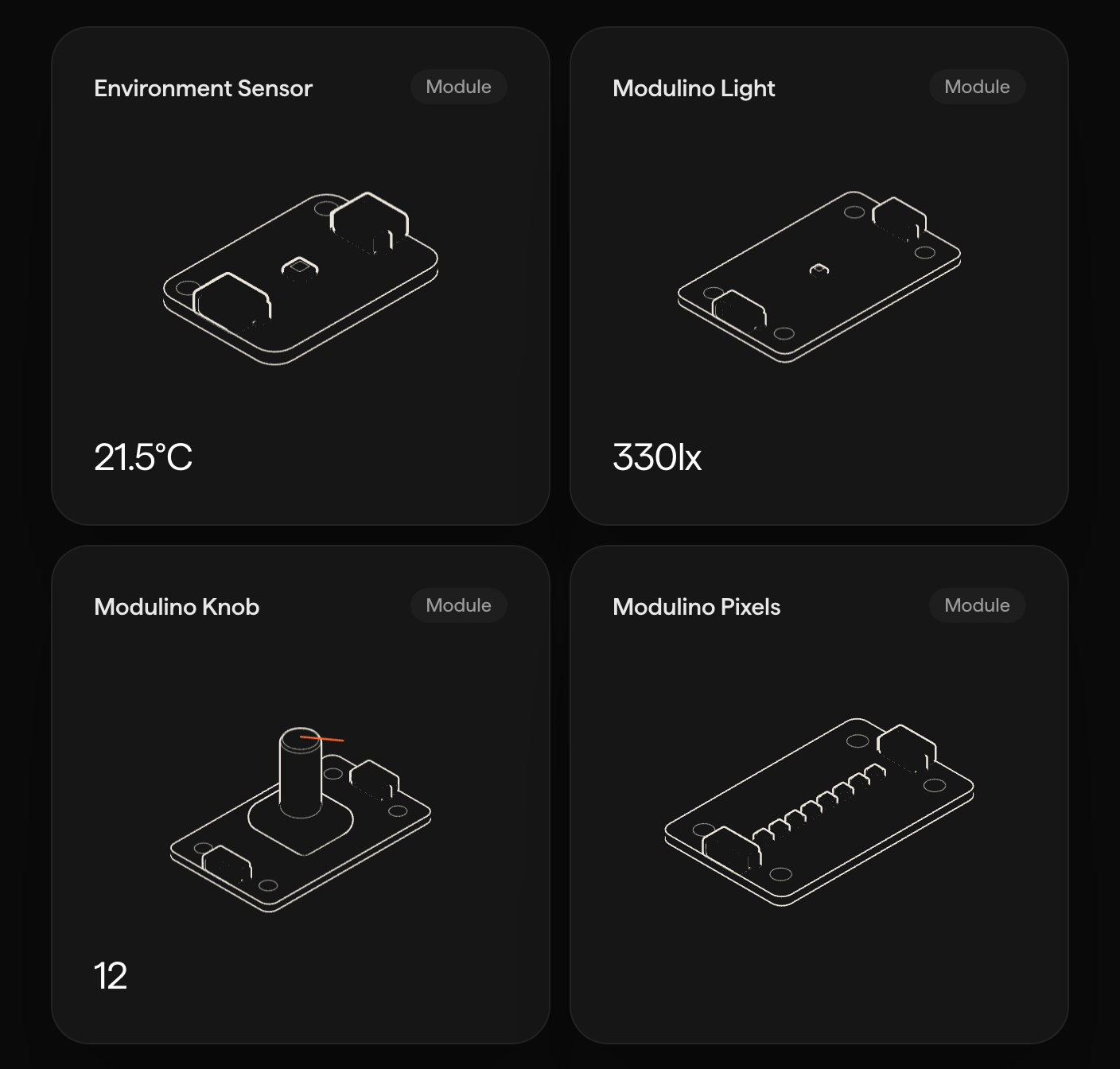
Plug a part into the board while it's on. It shows up in the app within a few seconds. Most parts use a small four-pin cable called Qwiic. Some boards use Grove cables instead.
Tell PAL what to build
Press New project and describe what you want, in your own words:
When it gets dark, turn the lights on.
PAL picks the parts, writes the code and shows you what it made. When you're happy, press Start. Your project runs until you stop it.
If something goes wrong
- Setup is taking a long time
- A part doesn't show up
- Or ask PAL in the app. It can see your board and what it reports.