My board is offline
What to do when your Raspberry Pi, Arduino UNO Q or ESP32 board shows as offline in Palpable, or has stopped responding.
What you see
The board's page says Offline, with when it was last seen. You may also see one of these:
- Your device stopped responding
- Your device hasn't connected yet
- (your board's name) lost Wi-Fi, with a Reconnect button. This one is only on a Raspberry Pi.
Quick checks
Is it powered on?
Check that the power cable is in firmly. On a Raspberry Pi, look for a light on the board.
Start it again
Unplug its power, wait a few seconds, and plug it back in. Then wait for the app to show it online.
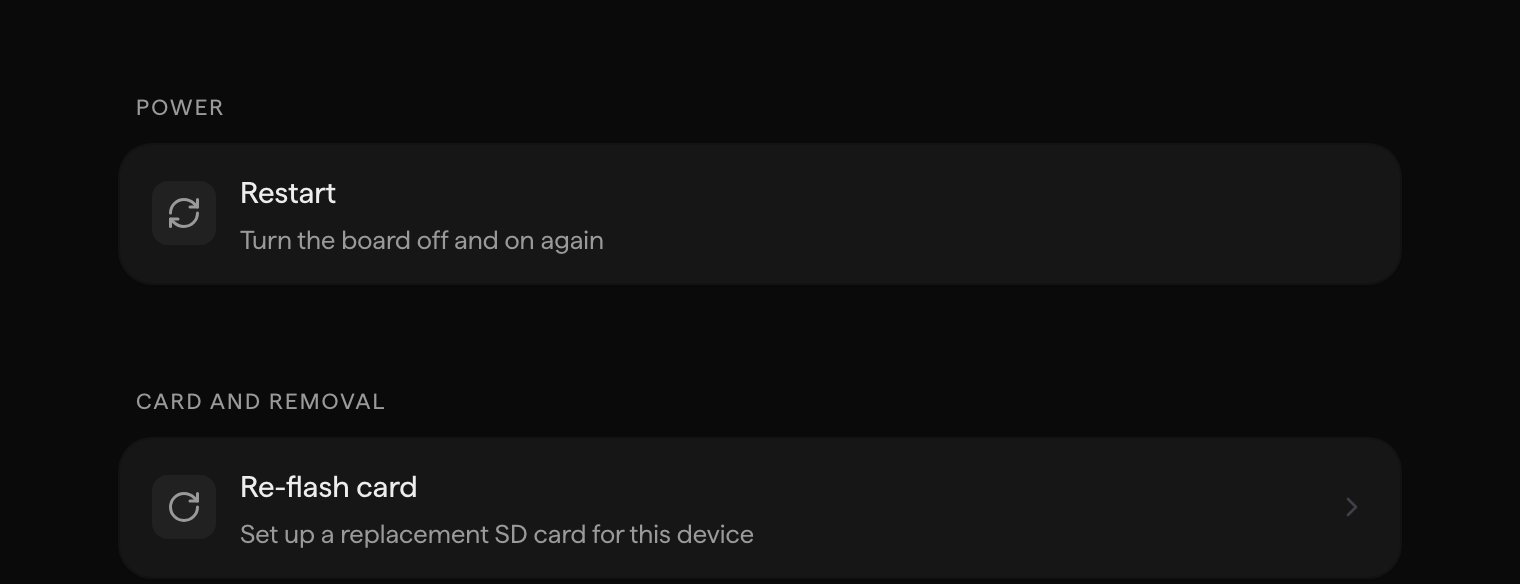
You can also restart a board that is still online: open the board, choose Manage, then Restart.
Did your Wi-Fi change?
A new router, Wi-Fi name or password keeps the board off your network. See Wi-Fi will not connect.
If it keeps going offline
- Use a stronger power supply. A weak supply is the most common cause on a Raspberry Pi. Restarts and Wi-Fi drops are signs of it.
- Raspberry Pi Zero 2 W: 5 V, 2.5 A, in the outer port marked PWR.
- Raspberry Pi 4: 5 V, 3 A, in the USB-C port.
- Raspberry Pi 5: 5 V, 5 A, in the USB-C port.
- Don't power a Raspberry Pi from a laptop. A laptop port can't give it enough.
- Move it closer to your router. Keep it out of metal boxes and away from microwaves.
- Look at what happened. Open the board and choose Console to see its events as they happen.
When the board is online again, you can restart it from the app. Open the board, choose Manage, then Restart.
Your project is safe
Going offline doesn't delete or change anything. On a Raspberry Pi or an Arduino UNO Q, your project keeps running without the internet. A project that says Running in the cloud waits until the board is back.
Still offline?
Ask PAL in the app. It can see when your board was last heard from and what it reported. Or ask on Discord.
Something not working?
Fixes for common Palpable problems, by what you see. A board that is offline, a part that does not show up, a slow setup, Wi-Fi, a project or a screen.
A part does not show up
What to do when a sensor, screen or other part you plugged into your board does not appear in Palpable, stops answering, or sends numbers that don't change.